August 15th, 2009
When I wrote the first version of Remember? back in 1988 a maximum year of 2018 seemed like a pretty safe bet. But, here we are 21 years (!) later and it’s actually in striking distance. And a couple die-hards schedule things far enough in advance that bumping into it is becoming an actual concern.
Help is on the way.
The next update to Remember?, version 4.5, extends the upper limit to 2134. It also features improved file updating code to minimize the possibility of damaged occasions and automatically retains backups copies of the last few changes you’ve made to each occasion file.
It will still not be Intel native, that will have to wait for a bone fide rewrite. However I have verified that Remember? does in fact work on Mac OS X 10.6 “Snow Leopard” if you turn on the Rosetta PowerPC support when you install/upgrade to it.
I don’t have a definitive release date for version 4.5 yet because I have a few more minor tweaks I’d like to include, but I’m getting very close. All of the above features are implemented and reasonably well tested so if you have a pressing need just let me know and I’ll get you a pre-beta version to play with assuming you are comfortable running pre-release software.
Thanks for your patience. Keep watching this site for updates.
Posted in software |
13 Comments »
October 11th, 2008

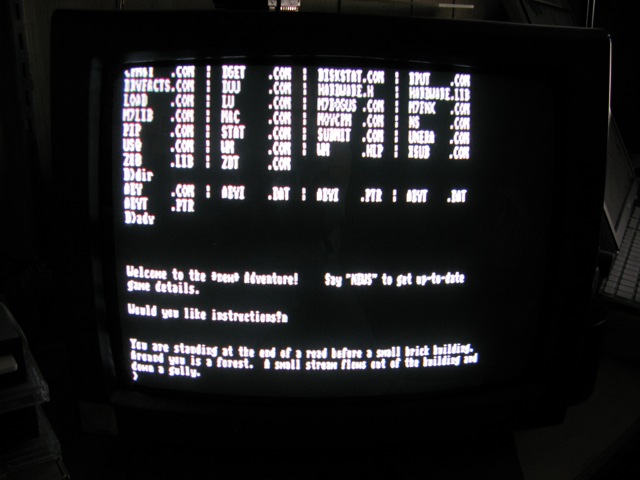
For some reason seeing this screen on a 20-something year old Z80 board now booting CP/M 2.2 from a CompactFlash card just makes my day.
You are standing at the end of a road before a small brick building. Around you is a forest. A small stream flows out of the building and down a gully.
Welcome to the new Adventure! (25 years later.)
Posted in vintage |
Comments Off on Ahhh, Retro-Goodness
September 9th, 2008
Maybe I’m missing something but it appears that Leopard Mail removed the old preference to prefer the plain text version for incoming messages over fancy HTML formatting. It still seems to be implemented, it was dutifully transferred when I updated to Leopard, but I can’t see any way to actually set it in the Preferences window.
For anyone who wants to enable this feature you should be able to do it by opening a Terminal window then type the following command followed by a RETURN:
defaults write com.apple.mail PreferPlainText -int 1
or to turn it OFF:
defaults write com.apple.mail PreferPlainText -int 0
Hope this helps.
Posted in tips |
2 Comments »
May 7th, 2008
A new version of hotTunes, version 2.3, is available on the hotTunes page. The Info window is now displayed properly on Mac OS X 10.4.11 and I’ve also simplified the process of saving and loading custom hot key sets.
Posted in software |
4 Comments »
April 24th, 2008
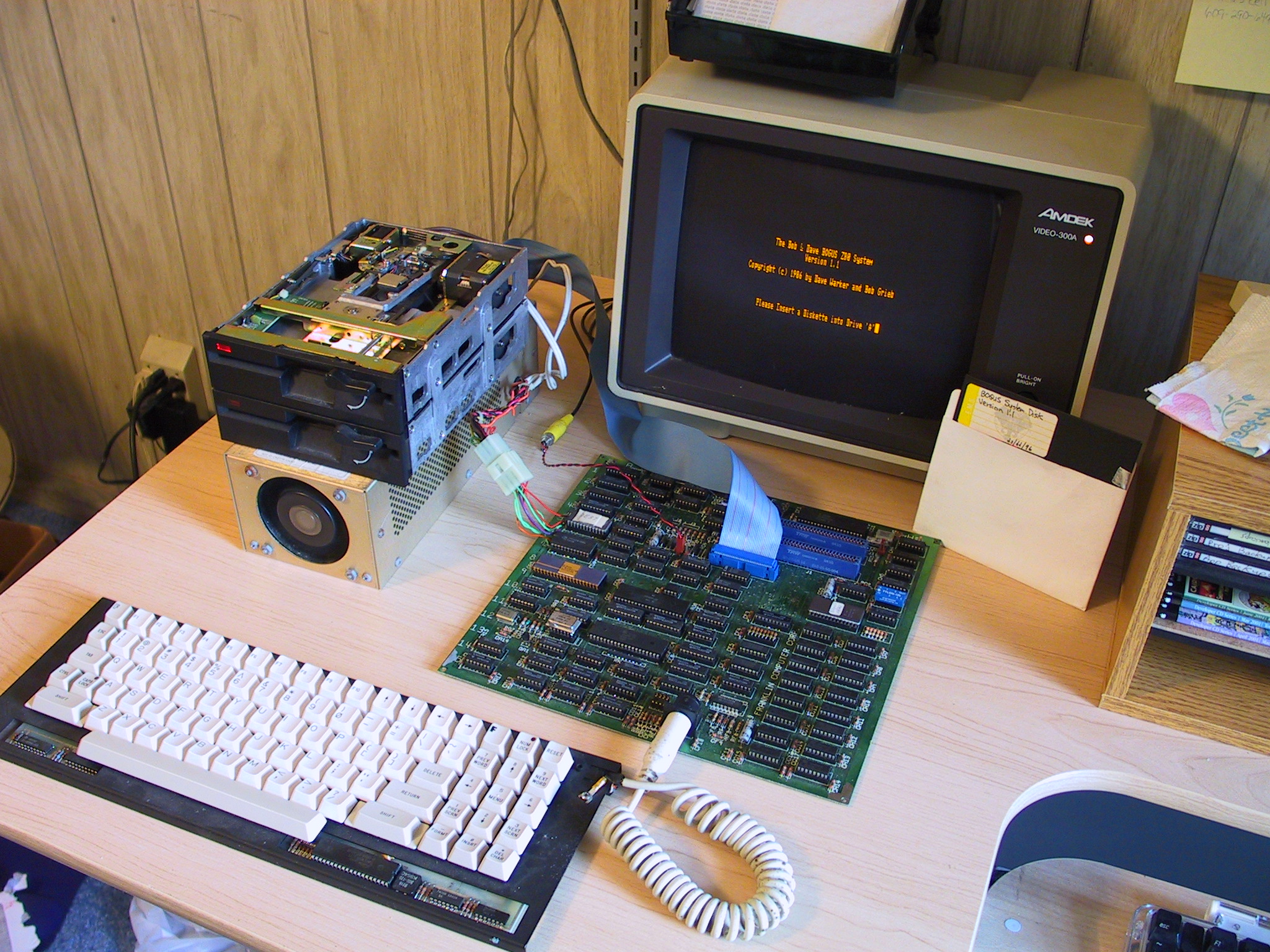
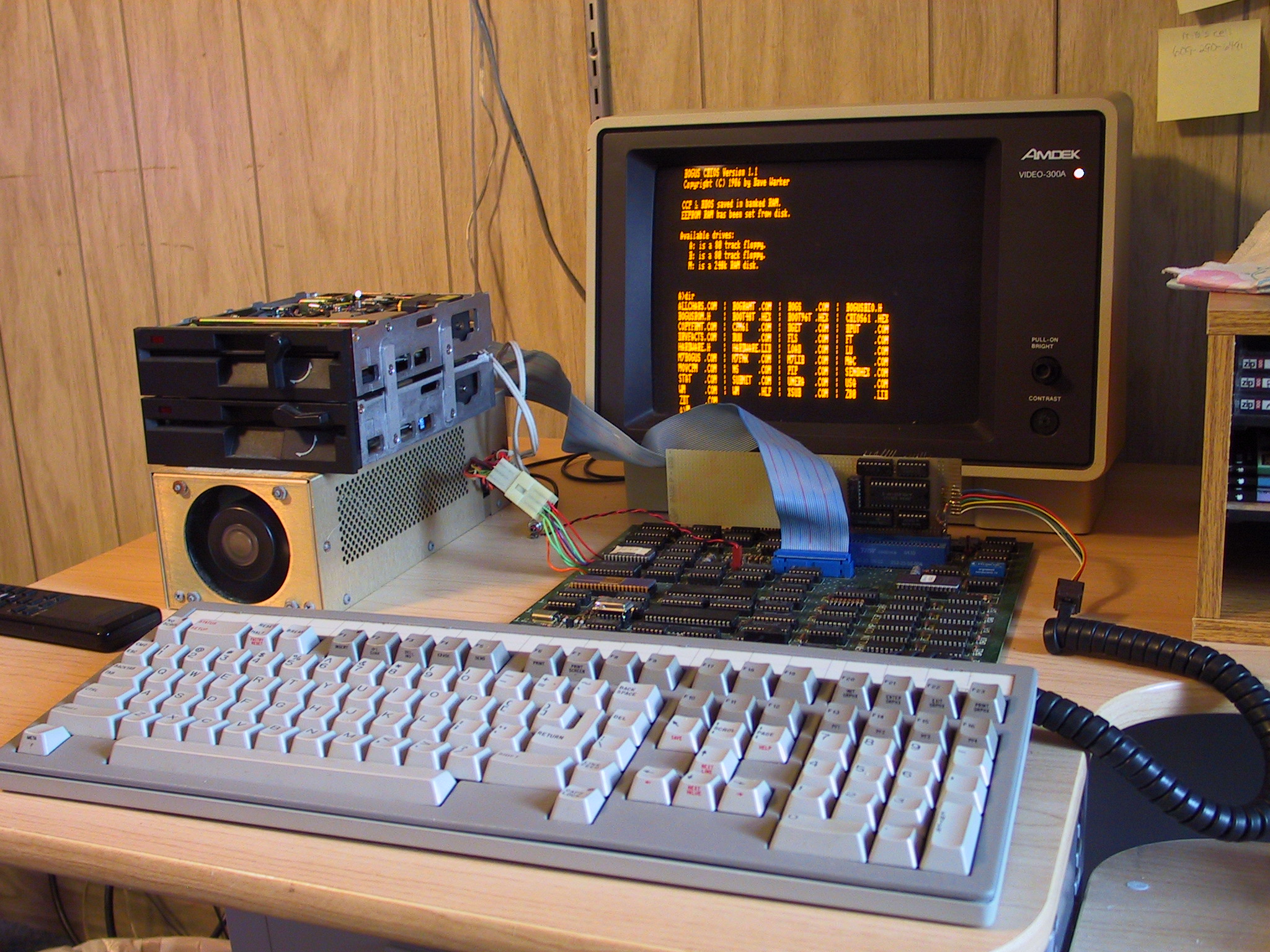
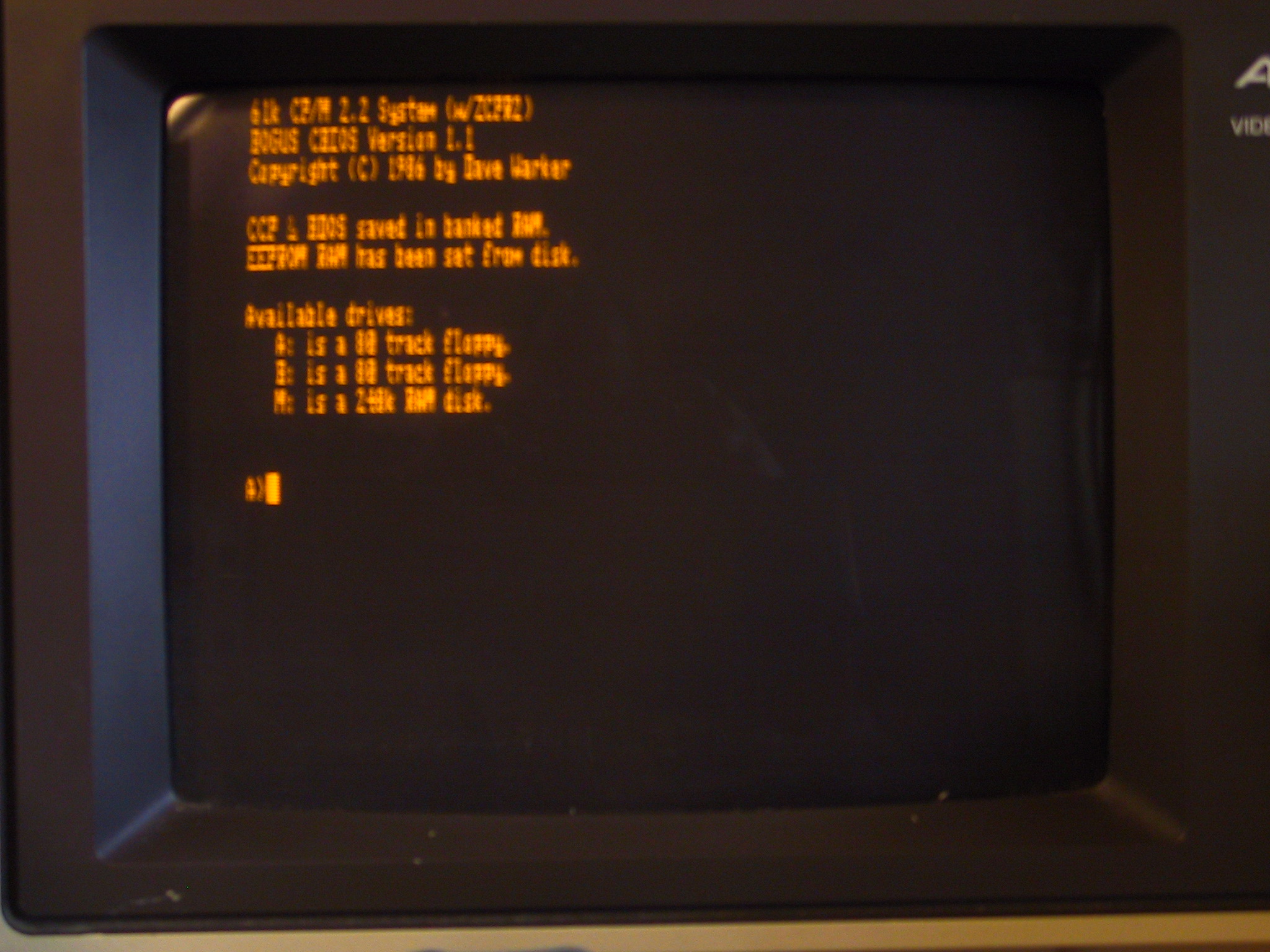
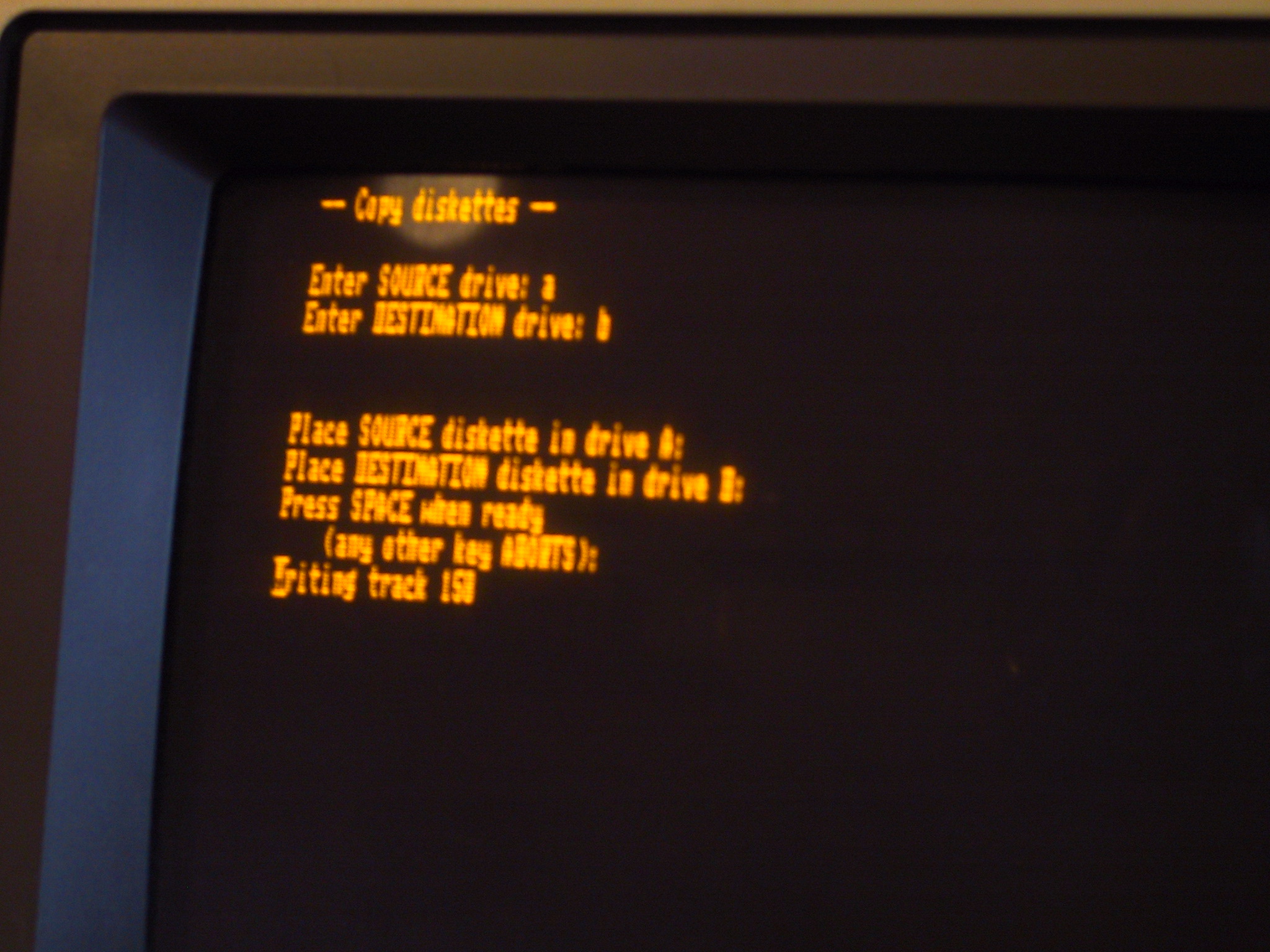
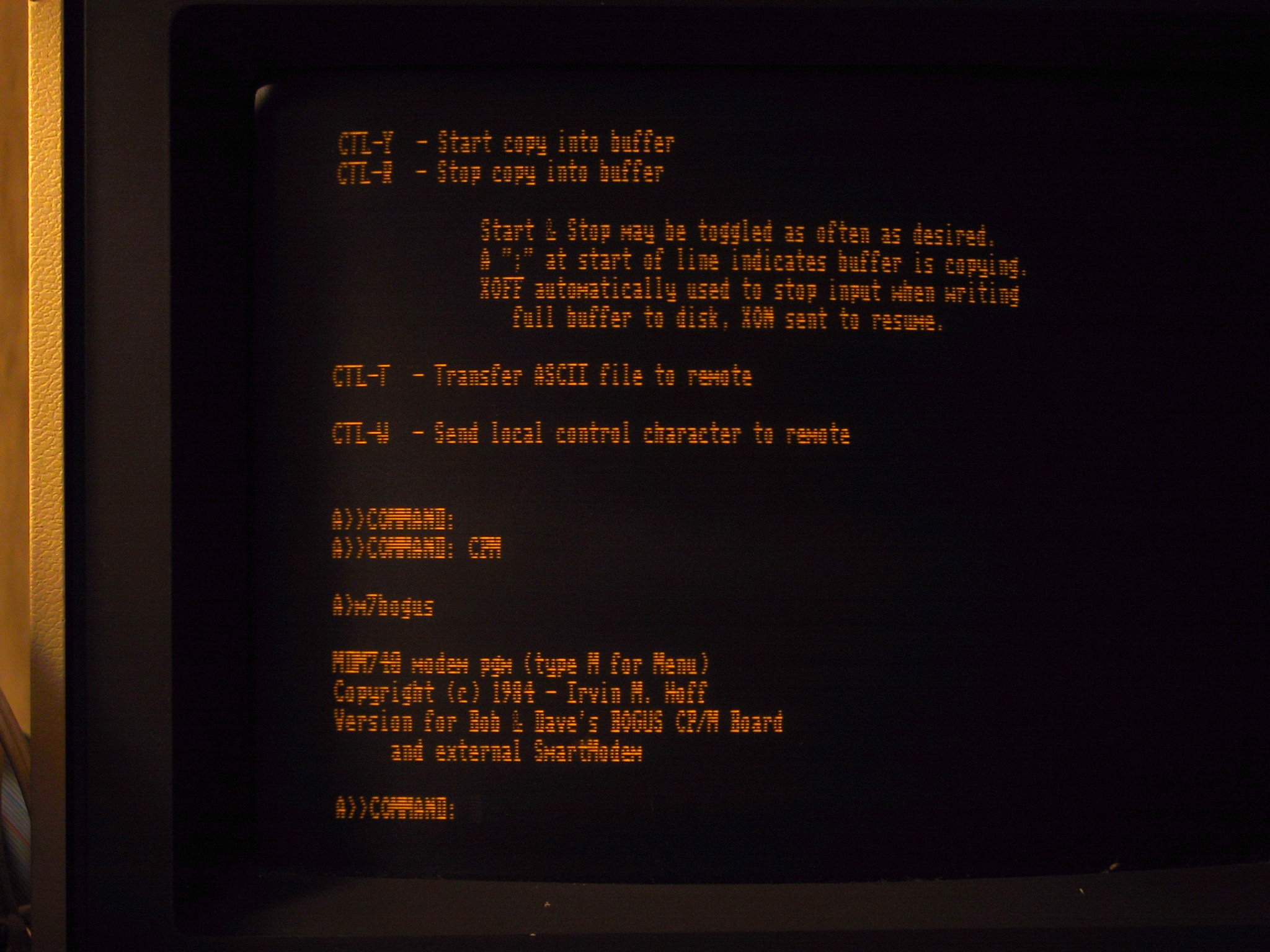
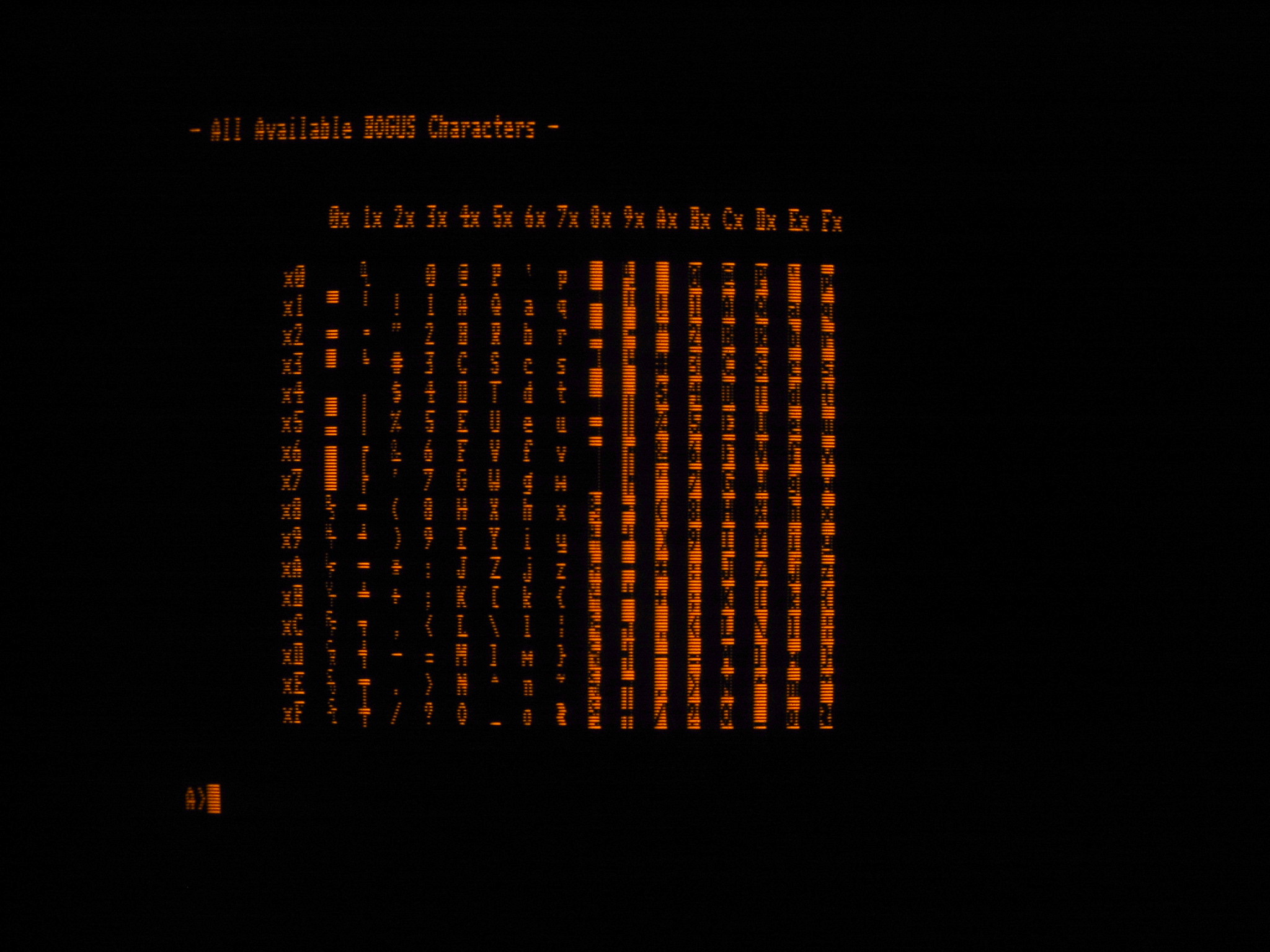
More vintage computer photos. This time it’s a Z80 processor based CP/M system that started life as another unfinished Franklin project. Bob Grieb was designing the hardware and I was developing the software for what would have been a portable CP/M machine. The cool thing was that we were so totally under the radar and had essentially complete control over all aspects of the design. We had a working hardware prototype at Franklin but the bulk of the software was written after we’d left.
A vendor at Trenton Computer Festival had purchased a large amount of Franklin stock but had no idea what some of it was. Bob discovered the bare CP/M PC boards, populated several and coded low level disk formatting routines while I wrote the boot firmware, CP/M BIOS, ZCPR and assorted utilities. The end result is actually a slick little CP/M machine that includes two floppy disk drives and a sizable RAM disk made from extra RAM banks.
I think I christened it the BoGUS board, as far as I can remember it stood for Bob Grieb’s Unusual System or something like that. I’m sure it’s in the source code somewhere.
Posted in photos, vintage |
1 Comment »